What Is the One Rule Everyone in Your Organization Should Already Know?

What Not to Put Into AI

Free PDF Updated The Jonesi Consultancy
AI Data Privacy Confidentiality Print and Post For All Staff
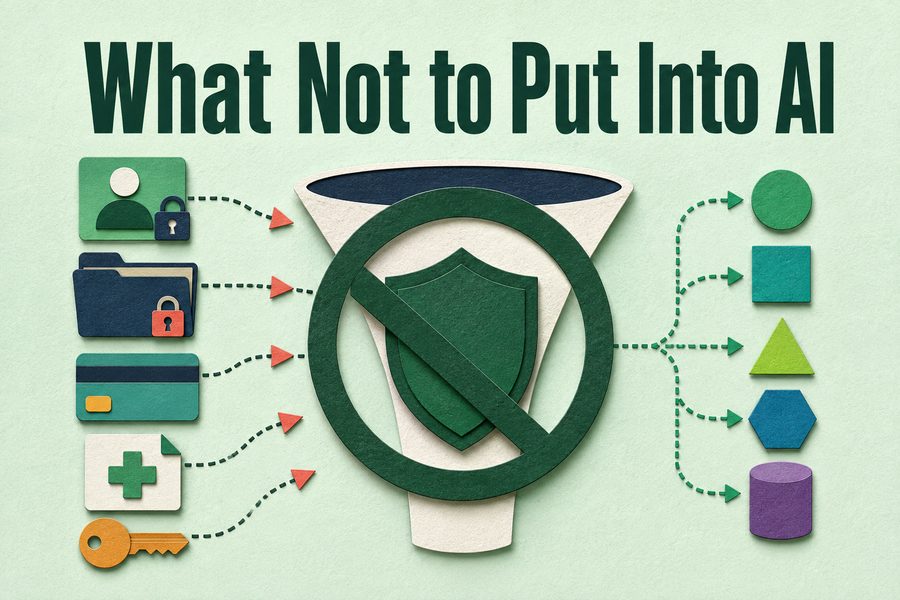
What Not to Put Into AI cover image
Download the Free PDF

Free. No email list, no follow-up sequence.

About this resource

What this guide covers

Most AI incidents are not attacks. They are ordinary people pasting the wrong thing into a helpful box, under deadline pressure, without a rule in front of them. The tools do not know what is confidential in your organization. That judgment stays with the person, it happens before they press enter, and there is no taking it back.

This free one-page handout gives your staff the rule. It sorts information into three tiers: what never goes in, what goes only into approved tools, and what is generally fine. It adds four sanitizing habits for the situations where the work genuinely touches sensitive material, and it closes with two questions that settle nearly every remaining case. It is deliberately one page, deliberately plain, and built to be printed and posted where the work actually happens rather than filed in a policy binder nobody opens.

Never enter, approved tools only, and generally fine. Three categories a person can apply in the two seconds before pressing enter, which is the only window in which the decision is ever actually made.

How to use it

Purpose, and how this will help

Print it and put it where people work. This is the single highest-value page in the library measured against risk avoided, because the decision it governs is made in about two seconds by a person who will not stop to look anything up. Pair it with the acknowledgment page from the Policy Starter Kit so the rule is something staff have seen rather than something that exists.

Inside the download

What you'll take away

1

Get the never list

Client and case records, health information, credentials, unpublished financials, and anything under a confidentiality agreement.

2

Know the middle tier

Internal drafts and vendor correspondence, on an organizational account rather than a personal one.

3

See what is permitted

Published material, general questions, and invented examples, named explicitly.

4

Learn to sanitize

Replace names with roles, round identifying numbers, describe instead of paste.

Who this is for

  • Every employee with access to an AI tool
  • Managers who need something to hand out today
  • IT and security leaders wanting a plain-language companion to the policy
  • Nonprofit and clinical staff handling client information

Common questions

Frequently asked

What information should never be put into AI tools?

Client, patient, and case records. Names, addresses, and anything else identifying a person you serve. Health information, immigration status, criminal history, and financial hardship details. Employee records and compensation. Passwords and credentials. Unpublished financial results. Anything under a confidentiality agreement. This holds regardless of the tool or the account type.

Can I put client information into ChatGPT or Claude?

No, and the account type does not change that answer. If the work genuinely requires it, sanitize instead: replace names with roles, round or remove identifying numbers, describe the pattern rather than pasting the document, or build a composite example that resembles no actual client and develop your approach on that.

What should I do if I already put confidential information into an AI tool?

Report it today rather than hoping it does not matter. Containment depends on how fast somebody finds out, and organizations get into trouble through concealment far more often than through the original mistake. A paste reported within the hour is a problem you can contain; the same paste reported a month later is an incident.

Download the Free PDF

Free. No email list, no follow-up sequence.

Keep Reading

Related Resources

More from the resource library, chosen because they pair well with this one.