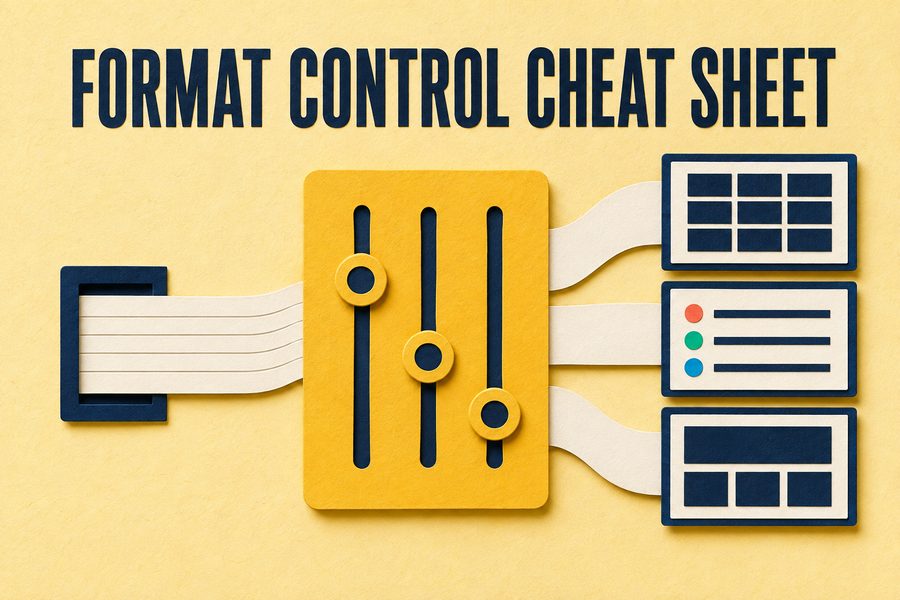
Format Control Cheat Sheet
About this resource
This is the condensed version of format control: a scan-and-copy reference sheet giving the shortest instruction that reliably produces each output shape. Where the Output Format Cookbook explains each recipe and when to use it, this strips the explanation and leaves the phrasing, for people who already know what they want and need the words.
It is built for the monitor edge rather than for reading. One column names the shape you want, the next gives the instruction to append. Tables, ranked lists, fixed-length summaries, comparison layouts, structured drafts, and clean paste-ready output are all there, along with the short instructions that suppress preambles, hedging, and closing offers.
Two columns: the shape you want, and the words that produce it. Built to be glanced at rather than read.
How to use it
Print it and keep it visible. This is the companion to the Cookbook rather than a replacement: read the Cookbook once to understand which shape suits which task, then keep this sheet in sight so the right phrasing is available at the moment you need it rather than three tabs away.
Inside the download
Two columns, no explanation, scan and copy.
Tables, lists, summaries, comparisons, and drafts.
Short instructions that remove preambles and closing offers.
Formatting clean enough to drop into a document unedited.
Common questions
Append a single explicit instruction at the end of the prompt naming the shape, the quantity, and anything to exclude. "Table, four columns, one row per option, no preamble" outperforms a paragraph describing what you want.
The end, in most cases. Instructions placed last are the most recent thing the model processed before generating, which makes them more likely to be followed, particularly when the prompt also contains a lot of supplied context.
Yes. Most assistants support custom instructions that apply to every conversation, and format preferences are the single best use of that feature. Set your defaults once rather than restating them, since the per-conversation version gets skipped when you are busy.
Free. No email list, no follow-up sequence.
More from the resource library, chosen because they pair well with this one.
Ready-made instructions for getting tables, structured summaries, and clean paste-ready output back.
Seven habits that make AI writing obvious, and one copy-and-paste instruction that switches all of them off.
Tokens, context windows, training cutoffs, and why these systems produce confident wrong answers. One page, kept beside a monitor.
Tell us a little about yourself and this document is yours. We don't have an email list. We collect this so we know who's finding our resources useful, and that's it.
You're downloading
this document
Your information is kept confidential and never shared with anyone.