Prompting & Everyday Use 10 Categories, 100 Codes

Can One Word at the Start of a Prompt Change the Whole Answer?

Claude Prompt Shortcuts

Free PDF Updated The Jonesi Consultancy
Prompt Shortcuts 100 Codes Reference Sheet For All Staff
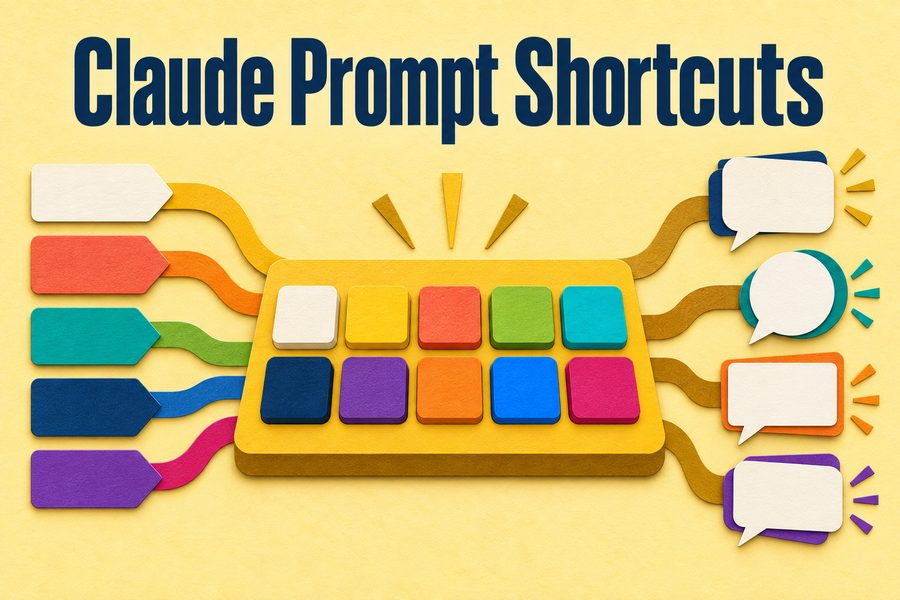
Claude Prompt Shortcuts cover image
Download the Free PDF

Free. No email list, no follow-up sequence.

About this resource

What this guide covers

Most people type the same kind of request every day and get the same kind of answer back. A prefix changes that in one word. This free reference sheet collects one hundred prompt shortcuts across ten categories, from writing and reasoning through to research, analysis, coding, and learning. You type the code at the very start of your message, then your request, and the response comes back shaped differently.

Two formats run through the sheet. Lowercase codes beginning with a slash, and uppercase keywords. Both work the same way and both sit at the front of the message. The ten categories cover writing and style, artifacts and creation, thinking and reasoning, learning, analysis and strategy, creative and content, coding, research, power commands, and a final set of modes for when you want a blunter or more thorough answer than you would normally get.

These are not built-in Claude features

Every code on this sheet is a user-written prompt prefix rather than a command Claude recognizes internally. They work because Claude reads the plain-language instruction behind the shorthand, which means results vary with wording and context, and nothing breaks if you invent your own. This is an independent reference sheet from The Jonesi Consultancy. It is not affiliated with, endorsed by, or produced by Anthropic.

The codes are not magic words. Each one is a compressed instruction, which is why they work in Claude.ai, Claude Code, and the API alike, and why you can write your own the moment you know what you are actually asking for.

How to use it

Purpose, and how this will help

Pick three codes and use them this week rather than reading all one hundred. The sheet is a menu, not a syllabus, and almost everybody settles on a handful they reach for constantly. The most useful place to start is the reasoning and analysis sections, because those change what the answer contains rather than only how it is worded. Once a few become habit, the underlying pattern becomes obvious and you will start writing your own.

Inside the download

What you'll take away

1

Steer tone and format in one word

Ten writing codes covering plain output, tighter sentences, a locked tone, and matching a sample of your own writing.

2

Ask for depth on purpose

Reasoning codes that make the model work through its logic, argue the opposite case, or answer at surface, mid, and expert levels at once.

3

Turn an answer into a lesson

Learning codes that produce practice exercises, find what you did not know to ask, or teach a topic from beginner to advanced.

4

Pressure-test your own thinking

Analysis codes that attack your idea, assume the plan already failed, or find the small number of actions carrying most of the result.

Who this is for

  • Daily AI users whose results have settled into a rut
  • Managers who want a shareable reference for a team
  • Analysts and knowledge workers doing varied, complex work
  • Anyone who has only ever typed plain requests into a chat box

Common questions

Frequently asked

Are Claude prompt shortcuts real commands?

No. They are user-written prefixes rather than features Claude recognizes internally. They work because the model reads the plain-language instruction the shorthand stands for, which is also why results vary with wording and context, and why you can invent your own without anything breaking.

How do you use a prompt shortcut code?

Type the code at the very start of your message, then your request. Lowercase codes use a leading slash and uppercase codes are typed as a keyword, but both sit in the same position. A colon after the code and before your request reads naturally and works consistently.

Do prompt shortcuts work in Claude Code and the API?

Yes. Because each code is a compressed plain-language instruction rather than a product feature, the same prefix behaves the same way in Claude.ai, in Claude Code, and through the API. The same principle also means most of them transfer to other assistants.

Download the Free PDF

Free. No email list, no follow-up sequence.

Keep Reading

Related Resources

More from the resource library, chosen because they pair well with this one.