What Has to Be True Before an AI Tool Touches a Real Workflow?

Safe AI Integration Checklist

Free PDF Updated The Jonesi Consultancy
Integration Checklist Pre-Launch For IT & Ops Checklist
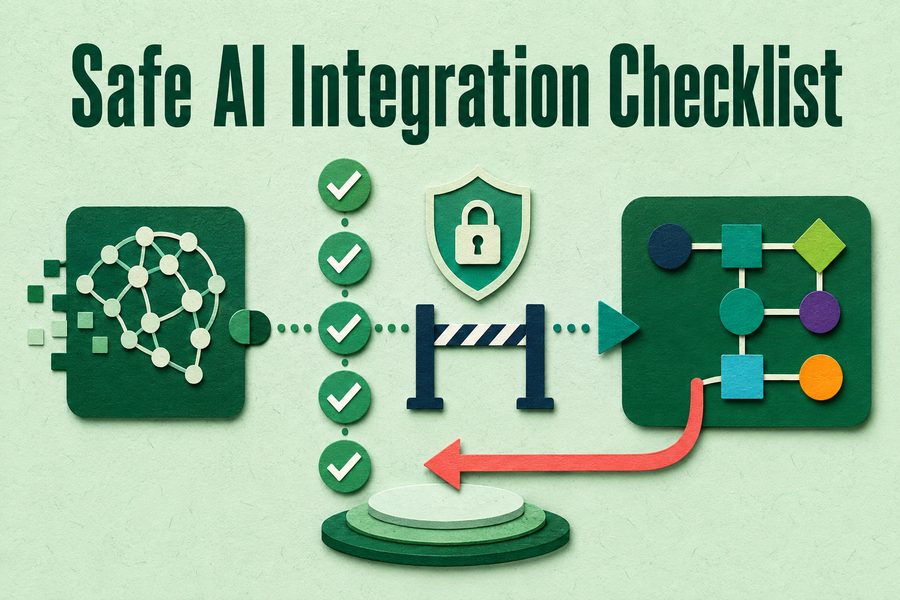
Safe AI Integration Checklist cover image
Download the Free PDF

Free. No email list, no follow-up sequence.

About this resource

What this guide covers

There is a gap between deciding to use an AI tool and having it touch work that matters, and most organizations cross it without a formal check. This one-page checklist is what has to be true before an AI tool becomes part of a live workflow.

It covers data handling and where information will actually sit, access and who can reach the tool, human review points and whether they are meaningful rather than nominal, what the workflow does when the tool is unavailable or wrong, how to roll back, what will be monitored and by whom, and what the affected staff have been told. It is deliberately a checklist rather than a framework, because the format that gets completed is the one that protects you.

Every item is cheaper to settle before go-live than after. The rollback question is the one most often deferred and most expensive to answer late.

How to use it

Purpose, and how this will help

Run it as a gate rather than as documentation. Every unchecked item is a decision somebody will otherwise make under pressure during an incident, and the rollback item in particular is worth answering while it is still hypothetical. If more than two items cannot be checked, the integration is not ready regardless of how well the pilot went.

Inside the download

What you'll take away

1

Settle the data question

Where information goes, how long it stays, and under what terms.

2

Scope the access

Who can reach it and whether that matches who should.

3

Verify the review is real

Whether the human checkpoint involves judgment or a signature.

4

Plan for unavailable

What the workflow does when the tool is down, which will happen.

Who this is for

  • IT and operations leaders deploying an AI tool into a workflow
  • Process owners whose work is about to change
  • Risk and compliance leaders reviewing a proposed integration
  • Project managers running an AI implementation

Common questions

Frequently asked

What should you check before deploying AI into a workflow?

Where data will sit and under what terms, who has access, whether the human review point involves real judgment, what the workflow does when the tool is unavailable or wrong, how to roll the integration back, what will be monitored and by whom, and whether the affected staff have been told.

How do you safely integrate AI into existing processes?

Start with a process that is bounded, reversible, and not on the critical path. Keep the previous method available during transition rather than switching cleanly. Define the human checkpoint before go-live rather than adding it after something goes wrong. And capture a baseline first, because you cannot demonstrate the change otherwise.

What happens if an AI tool fails mid-workflow?

That depends entirely on whether anyone decided in advance. The workflow needs a defined behavior for the tool being unavailable, for the tool being wrong in a detectable way, and for the tool being wrong in a way nobody notices until later. The third case is the one that requires monitoring rather than a fallback.

Download the Free PDF

Free. No email list, no follow-up sequence.

Keep Reading

Related Resources

More from the resource library, chosen because they pair well with this one.